

Description
🕹️ Repair Retro Hardware the Easy Way
If you collect or restore retro games, you already know the problem:
Broken traces.
Dead cartridges.
Controllers that should work… but don’t.
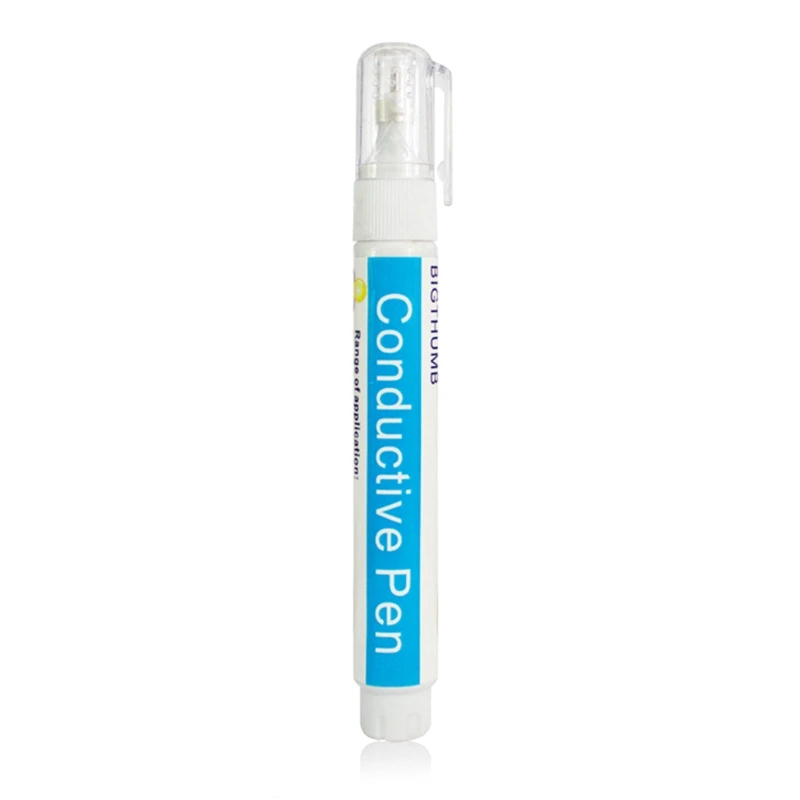
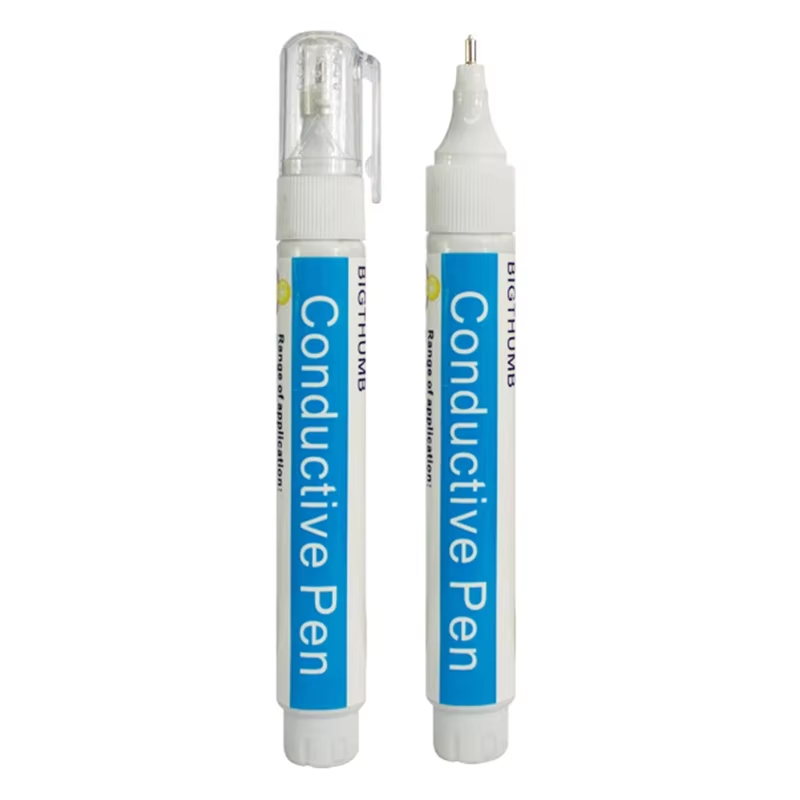
The Conductive Copper Circuit Repair Pen gives you a fast, no-solder way to repair damaged PCB traces and restore functionality.
⚡ What This Actually Does
This pen uses conductive metal ink to recreate electrical paths once dry.
Perfect for:
– Cartridge PCB repairs
– Controller board fixes
– Broken trace restoration
🔥 Key Features
– Trace repair without soldering
– Conductive ink restores connections
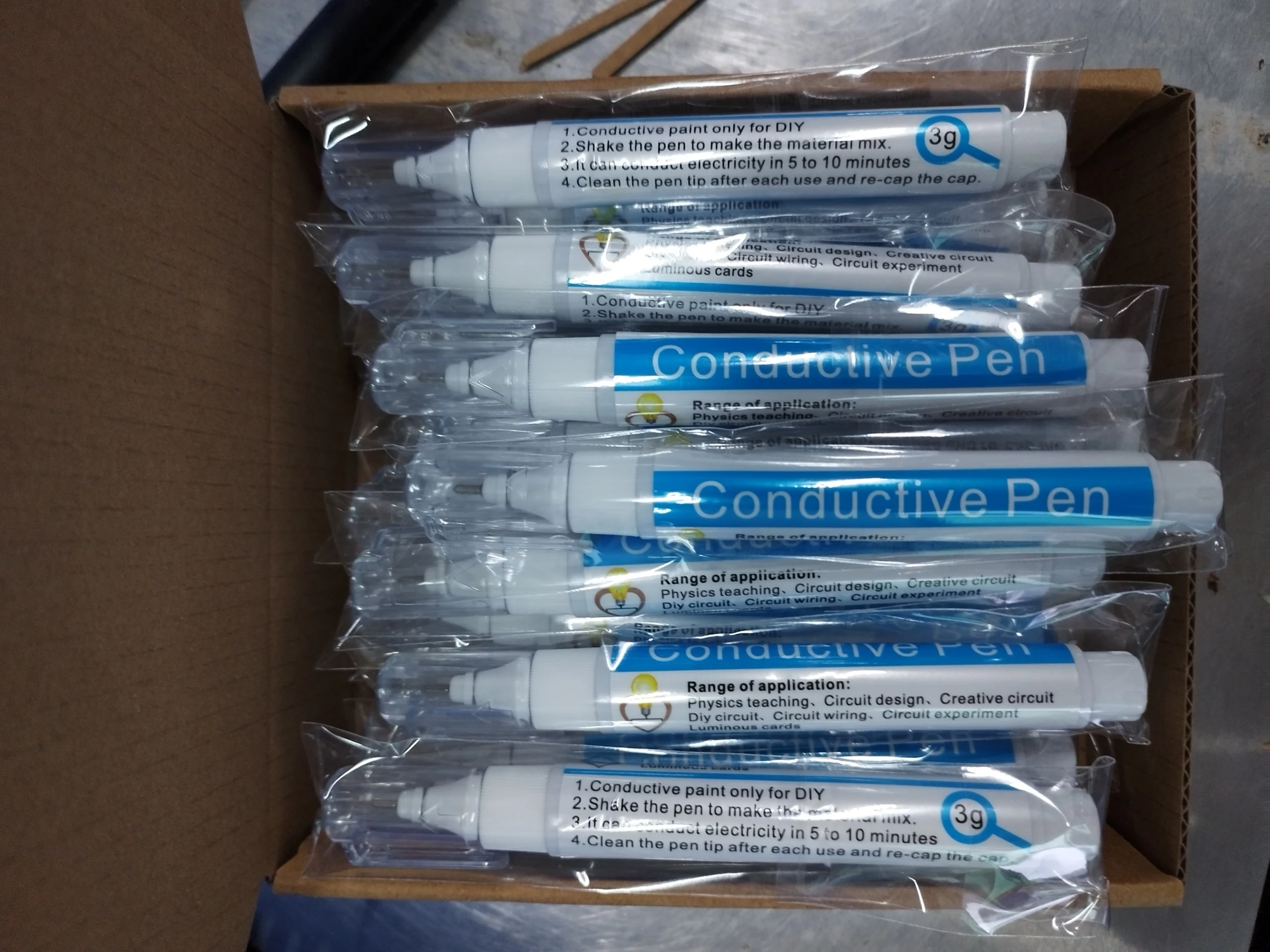
– Fast drying (5–10 minutes)
– Works on multiple surfaces
📦 What’s Included
– 1 × Conductive Copper Circuit Pen
📏 Specifications
– Material: Plastic
– Ink: Conductive metal (silver/nickel blend)
– Capacity: 3g
– Length: 12.7cm
– Weight: 16g
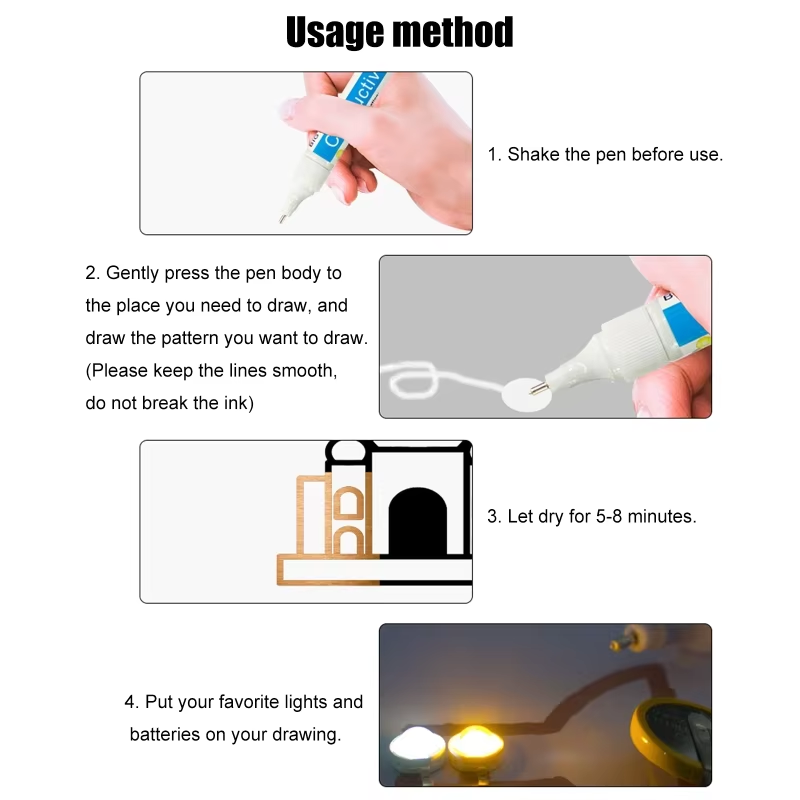
⚙️ How To Use
1. Clean PCB
2. Shake pen
3. Draw trace
4. Let dry
5. Test
⚠️ Notes
– Low voltage only
– Not for heavy repairs
– Ensure fully dry before use
Example Usage Scenario
You pick up a retro game cartridge from a previous owner who didn’t take great care of their collection. Let’s say it’s a copy of EarthBound for the Super Nintendo Entertainment System. You got it cheap because it was sold as not working — it only shows a black screen on boot.
You grab some isopropyl alcohol and cotton tips and start cleaning the cartridge contacts. After a few passes, the cotton tips come out completely black. You keep going — fresh tips, more cleaning — until they finally come away clean. Confident, you try the cartridge again. This time, there’s progress — some garbled graphics flicker on screen before it drops back to black. Better… but still not working.
At this point, you inspect the contacts closely and notice the issue: the metal contacts are heavily worn and faded. Cleaning alone isn’t enough — the conductive layer has been degraded.
🔧 The Repair
Using the correct game bit, you open the cartridge and remove the PCB. After placing it on your workbench, you prepare your Conductive Copper Circuit Repair Pen.
You shake the pen, then carefully redraw the worn contact traces — slowly and steadily restoring the missing conductive paths. Some areas need multiple passes, but after drying, the contacts look solid and functional again.
🕹️ The Result
You reassemble the cartridge, insert it into your console, and power on.
Black screen… then the Nintendo logo appears.
Then the APE logo.
Then HALKEN.
The screen then goes fuzzy and you think it’s still broken until you realize this is part of the intro as the fuzziness transitions into the Earthbound title screen. Success, the cartridge works!
💡 Why This Matters
Instead of throwing away a valuable retro game, you:
- Diagnosed the issue
- Repaired the damaged traces
- Restored the cartridge yourself
All with a simple, effective tool.
⚠️ Important Note
Results depend on the condition of the cartridge. This tool is ideal for repairing worn or broken traces, but severely damaged boards may still require advanced repair.




Reviews
There are no reviews yet.